Text Course
Client Project Tracker in Google Sheets: Deadlines, Status and Next Actions
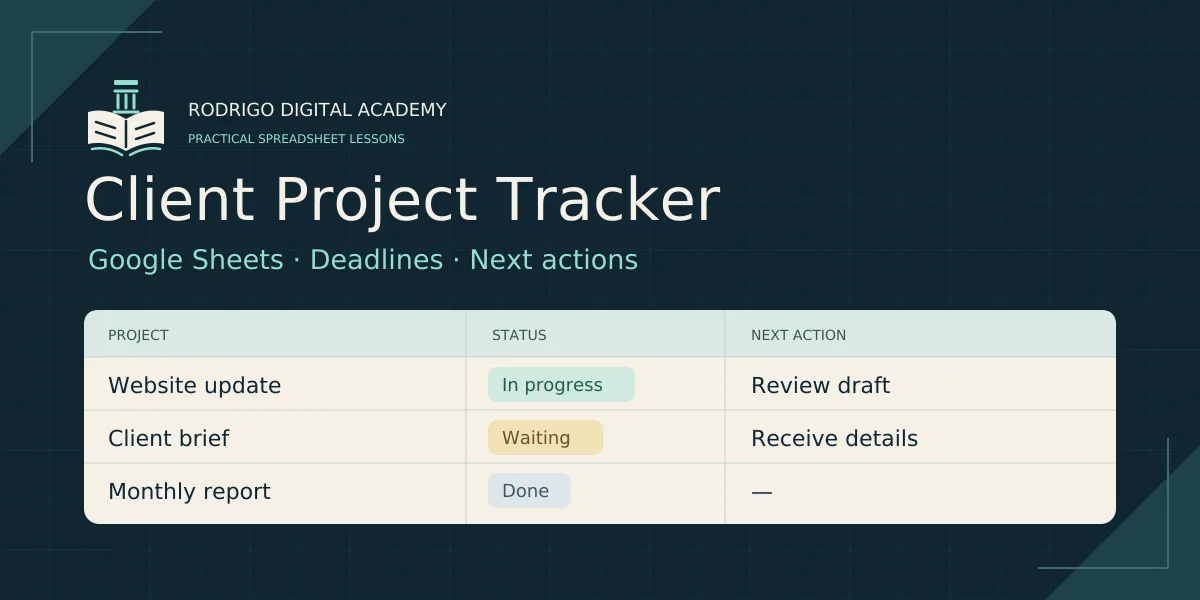
Keep the next step for each client project in one clear place. In this beginner course, you will build a small Google Sheets tracker for deadlines, project statuses and next actions. Create consistent status dropdowns, distinguish overdue work from work due today, flag missing or invalid dates, count open projects and create an overdue action view. Then make a clean reusable copy and test it with a separate four-project exercise. Includes six written lessons in three chapters, a ten-project CSV practice file, a headers-only CSV, copyable examples and checked answer expectations. Allow about 45–60 minutes for practice. You need Google Sheets access and a desktop browser. No paid add-ons are required. This is a guided build for a small client workload. The CSV resources contain starting data; they are not a finished automated workbook. No email reminders, calendar integrations, Apps Script, certification or guaranteed business results are included. The lessons use a controlled United States practice locale and English function names.
Rodrigo Maya
Course Creator
or sign in to access if already enrolled
Course outline
About the creator
Rodrigo Maya
Rodrigo is a first-principles builder — local LLMs, multi-agent trading systems, no black boxes. Now he's reverse-engineering Lesso's referral program in public: every tactic, every result, the real playbook.
Pay once, keep it forever. Instant access.
Sign in- Instant access to all lessons
- Community discussion threads
- New lessons as they publish
- Lifetime access, pay once